From zero to your first ETF card in minutes
Phenomen isn't another dashboard to log into. It plugs into the AI assistant you already use, so analysis shows up right where you're already working.
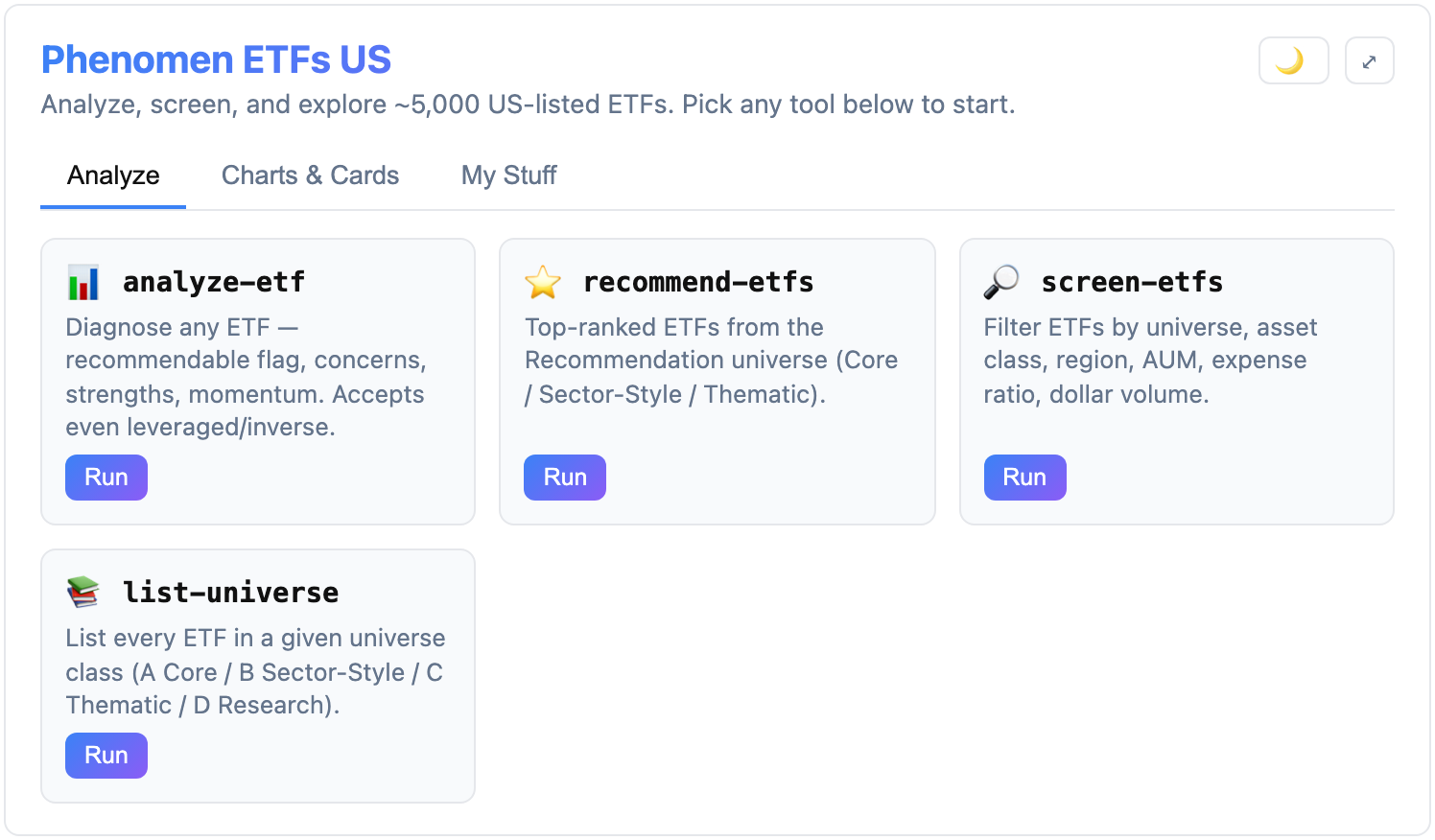
The Phenomen home card inside your AI client — every tool one click or one question away.
- 1
Nothing to sign up for
Phenomen is free to use. There is no account to create, no payment details, and no brokerage login.
- 2
Add Phenomen to your AI client
Paste one MCP server URL into Claude or ChatGPT. A one-time setup that takes a minute.
https://etf-us.mcp-apps.lobix.ai/mcp - 3
Ask for any ETF analysis
Request screening, scores, charts, or portfolio checks in plain language — answers come back as interactive cards.
Supported clients
Setup is a one-time paste of the server URL above. Exact steps vary slightly by client.
Claude (desktop & web)
Add Phenomen as a custom connector / MCP server in Settings, then start a chat.
ChatGPT
Add Phenomen as an MCP connector, then reference it from any conversation.
Other MCP-compatible clients
Any client that supports remote MCP servers can connect using the same URL.